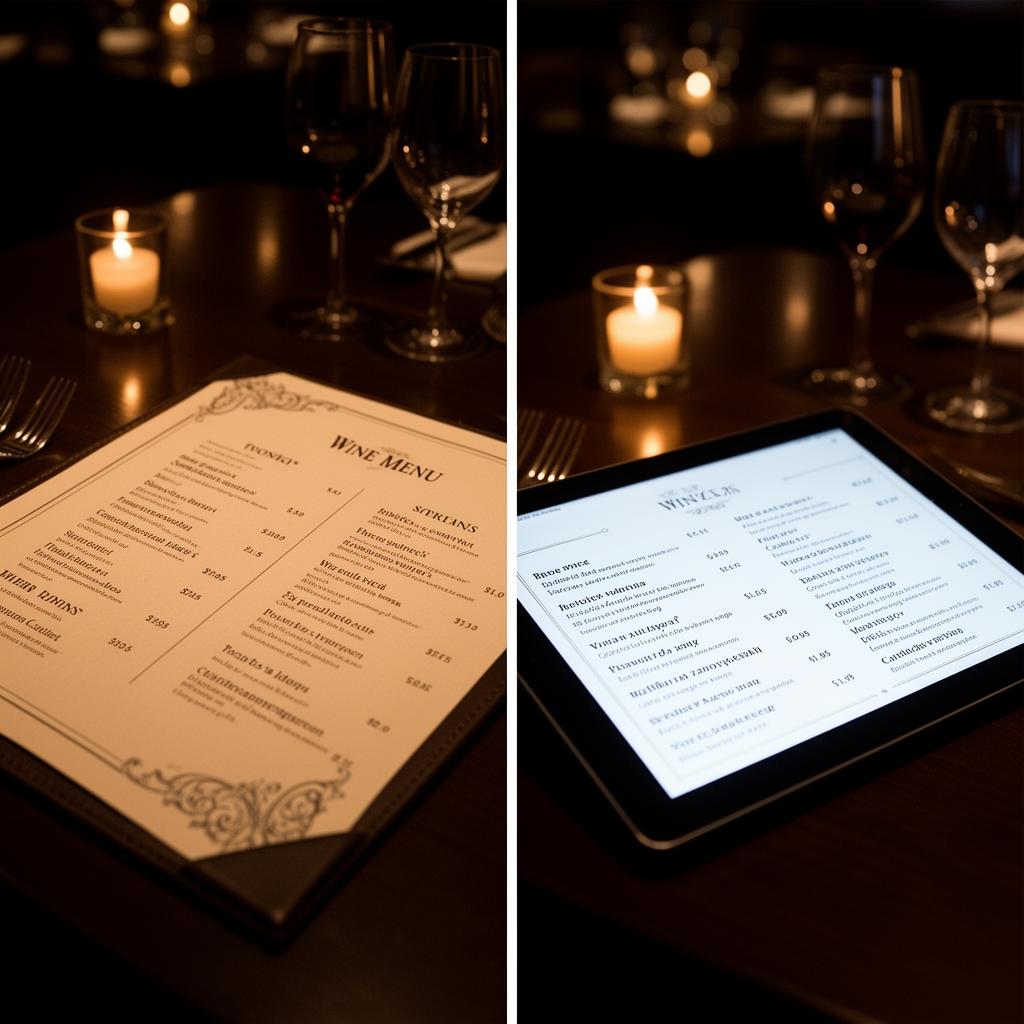
The Problem with PDF Wine Lists
Your PDF wine list was a practical solution during the pandemic. Quick to create, easy to share, compatible with any device. But what started as a temporary fix has become a bottleneck for many restaurants.
Why PDF Doesn't Work for Wine Service
- No real-time updates: Every change requires editing the file, uploading it again, and redistributing the QR code. Meanwhile, customers see wines that aren't in stock
- No data collection: You don't know which wines customers view, which they ignore, or how they navigate the list
- No recommendations: The PDF displays information but doesn't guide the customer's decision
- No support for staff: Your team can't access wine details or pairing suggestions from a PDF
- No personalization: The same document for a party of 2 and a party of 8, for a business lunch and a romantic dinner
In short: The PDF informs, but doesn't sell. And in a restaurant, your wine list should sell.
Available Alternatives
1. Interactive Digital Wine List
A web or web-app accessible via QR code that displays your wines with filters, photos, and descriptions. Updates instantly. Customers can filter by type, price, or food pairing.
Advantages: instant updates, customer-friendly filters, superior visual experience. Limitations: no sales data or deep analytics, no tools for your floor staff.
2. Wine Management Software
A complete system that combines digital presentation with: sales analytics, inventory control, staff reference cards, intelligent recommendations, and rotation alerts.
Advantages: real sales data, tools for your team, margin optimization. Limitations: requires POS integration, learning curve for floor staff.
| Feature | Digital List | Management Software | |
|---|---|---|---|
| Instant Updates | ✗ | ✓ | ✓ |
| Customer Filters | ✗ | ✓ | ✓ |
| Navigation Data | ✗ | Partial | ✓ |
| Sales Analytics | ✗ | ✗ | ✓ |
| Staff Reference Cards | ✗ | ✗ | ✓ |
| AI Recommendations | ✗ | ✗ | ✓ |
| Inventory Management | ✗ | ✗ | ✓ |
3. Printed List + Digital Backup
For fine dining restaurants where the physical format is part of the experience, the best approach is hybrid: a curated printed selection + full digital list accessible via QR.
When to Leave PDF Behind
These signs tell you it's time to move beyond PDF:
- You update or reprint your PDF more than twice a month
- Customers have complained about out-of-stock wines still appearing on the list
- Your team doesn't recommend wine because they don't have current information
- You don't know which wines are viewed but not ordered (so you can't optimize)
- Your list has over 30 selections and navigating PDF is cumbersome
Making the Transition
- Audit your current list: How many selections do you have? How often do you change it?
- Choose your solution level: digital list if you only need quick updates, full software if you want data and staff tools
- Migrate progressively: start with the digital list and add features as you need them
- Train your team: make sure everyone knows how to use the new tool
- Measure the impact: compare wine sales before and after the transition
Frequently Asked Questions
Is PDF ever the right choice?
Not really. For restaurants with fewer than 15 selections and a stable list, PDF might work. But if your selections change regularly or you have more than 30 wines, PDF becomes a limitation.
Can older customers use a digital wine list?
Experience shows they can, provided the interface is clean and simple. Large text, clear navigation, and minimal complexity work across all age groups.
Can I keep the QR code I already have?
Yes. Most solutions let you redirect the same QR code to your new list.
What does it cost to switch from PDF?
From free (basic solutions) to 100-300€/month for complete management software. Cost depends on the features you need.