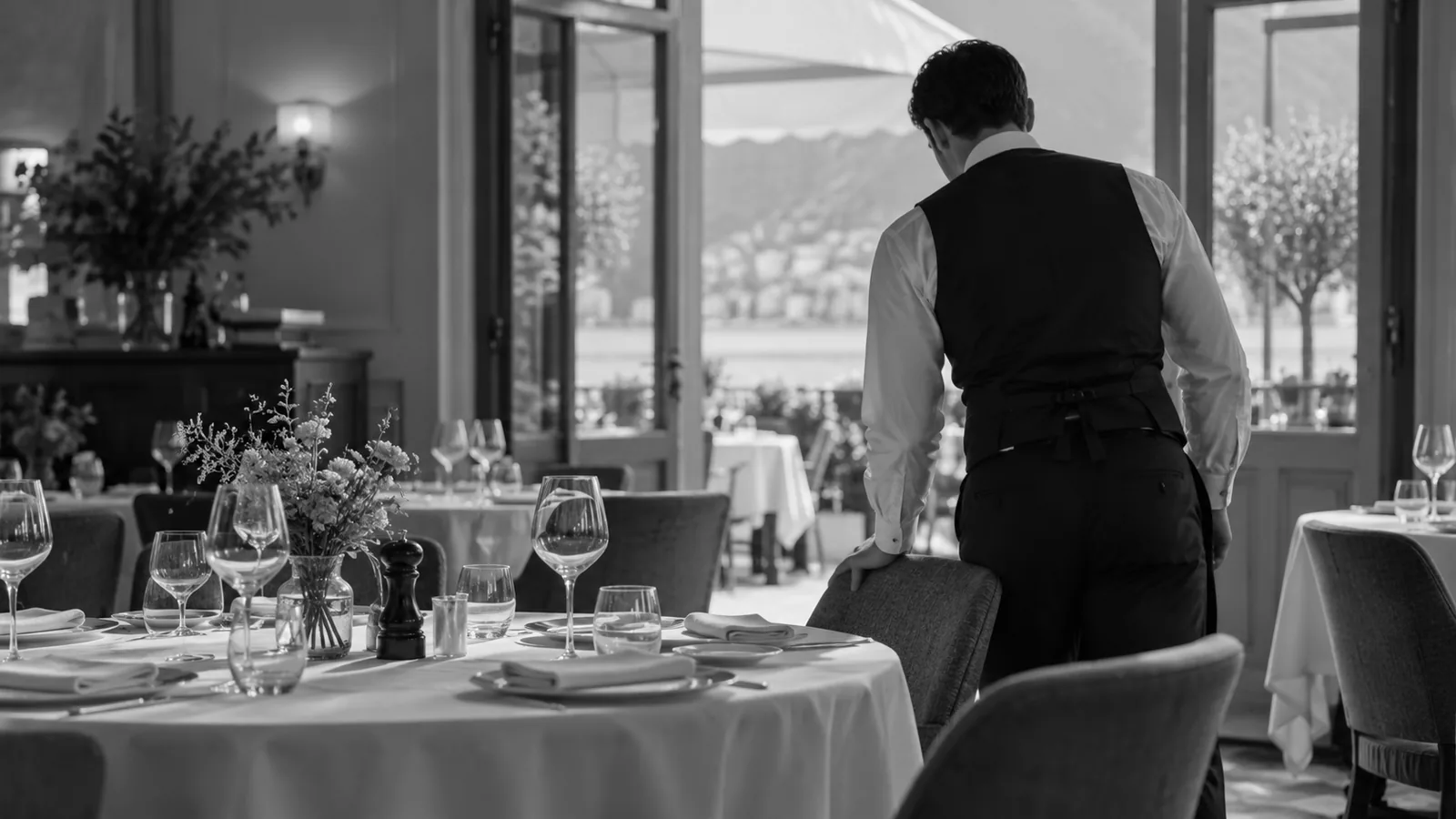
Imagine a full service: the kitchen is working steadily and the food is carefully prepared, but one table waits without an explanation and another cannot understand the wine list. Discomfort does not require a spectacular failure. An unanswered question, a recommendation outside the budget or a price discrepancy can undermine the experience.
The restaurant guest experience brings together many moments: booking, arrival, choosing, timing, handling a problem and saying goodbye. Improving it requires observation and team coordination. It does not depend on a single app or guarantee that every guest will return or spend more.
This guide proposes service practices and explains where Winerim can support the wine list. It separates what software makes easier from what still needs accurate information, training and review. The aim is an understandable choice and a team that knows how to help.
What is the restaurant guest experience?
It is the set of impressions someone forms throughout their relationship with a restaurant. That includes expectations before arrival, what happens during service and how later communications are handled. Well-prepared food matters, but does not explain the entire journey on its own.
More than service: everything the guest experiences
Follow the journey as a first-time visitor. Check whether opening times, the waiting area, ways to request help and menu information are clear. Lighting, noise, comfort and accessibility also shape the situation in which guests make decisions.
During service, review specific details:
- How the table is welcomed and seated.
- Whether the menu is available without an unexplained wait.
- How questions and special requests are answered.
- Whether delays between courses are explained.
- The condition of spaces and facilities used by guests.
- Bill clarity and the attention given when guests leave.
Guests do not all value each detail equally. Rather than assuming how they feel, ask, observe and record repeated problems. A short incident list with an owner and follow-up is usually more useful than a general assertion that service works well.
Why does guest experience matter?
It helps identify the gap between what a restaurant believes it offers and what guests can actually use and enjoy. It also supports prioritization: resolving incorrect information or a recurring wait may be more urgent than adding another wine-list feature.
It can influence reviews and reputation
Reviews and recommendations are useful signals, although they do not represent every guest. Look for specific situations: a delay in receiving the menu, conflicting information, a well-resolved problem or a recommendation that respected the budget. Do not reduce experience to an average rating.
Check comments against what happened during service before responding. Acknowledge a confirmed issue and explain the correction without exposing personal information. A polite reply does not replace an operational change. Nor should a service adjustment be promised to produce better reviews or greater visibility automatically.
It can support loyalty and repeat visits
A consistent experience can provide reasons to return, but repeat visits also depend on location, price, occasion and other preferences. To measure them, define an appropriate way to identify repeat visits and compare equivalent periods. Do not attribute every change to a newly installed tool.
Ask whether service met recognizable conditions:
- Attentive, professional treatment without intruding on the table.
- Explained timing and coordination between kitchen and service.
- Product, atmosphere and price consistent with the offer.
- Recommendations that respect preferences and budget.
A regular guest does not necessarily spend more. The goal is trust and a satisfying visit, not using familiarity to apply pressure. If a preference is recorded, follow the privacy approach and permissions appropriate to the restaurant.
Average check and satisfaction are different
An informed decision may lead to another bottle, a glass, a non-alcoholic option or no additional drink. None of those choices alone demonstrates a poor experience. Recommendations should clarify the choice rather than always lead to the highest price.
Separate average check, revenue and margin when evaluating financial outcomes. Record sales, comparable costs, price changes and availability. If average check rises while visits decline or the service mix changes, it is not appropriate to attribute that rise solely to a digital wine list.
A clear list can support a sales conversation, but needs updating and training. This article does not promise higher revenue, a fixed conversion rate or improvement without effort. Such outcomes require the restaurant's own data and a comparison method.
How to improve the restaurant guest experience
Start with a few observable problems. Over several services, record where questions, delays and corrections occur. Assign an owner to each adjustment and agree on how to check it later. A small change with follow-up is more useful than a long wish list without implementation.
Support decision moments
Guests may need help at different stages, not only when choosing wine. Staff should be available without constantly interrupting. Questions during service include:
- Which dish fits what I want and my budget?
- Which wine could accompany it, and in what serving format?
- Do I want dessert or would I rather finish here?
- Would I like coffee, another drink or the bill?
A useful suggestion provides context and leaves room to decline. For seafood rice, for example, ask first about style, budget and a preference for a glass or bottle. Explain an available option and, where relevant, an alternative. Do not assume every table wants wine.
Also notice when not to intervene. Guests who wish to compare on their own should be able to use the list and request assistance. Quality is assessed through understanding and an appropriate choice, not the number of recommendations delivered.
Train the team in attention and empathy
Product knowledge helps, but staff also need to listen, confirm their understanding and recognize when to consult someone. There is no need to pretend to know something. An honest response followed by verification is preferable to inventing a wine or dish detail.
Include these skills in training:
- Listen to a request without completing it for the guest.
- Ask natural questions to clarify uncertainty.
- Explain an option in understandable language.
- Recommend without insisting and know where to escalate a question.
Practice with real service examples and check answers against approved information. A short script can help staff get started, but should not sound mechanical or replace judgment. Verify that new staff know where to find information and how to report an error.
Reduce delays and errors
Incidents do not all have the same seriousness. An unexplained wait, an unavailable wine and an allergen question require different responses. Food safety is not a minor detail: it must not be resolved through assumptions or AI-generated recommendations.
For allergen information, consult the Food Standards Agency's guidance as a reference and follow the procedure applicable to your restaurant. A commercial wine page or pairing suggestion does not replace verification. Staff must know who confirms the information before answering a guest.
For operational incidents, identify the broken step. A menu may be missing, an accompaniment entered incorrectly or prices inconsistent between list and POS. Explain the issue, confirm what the table needs and record the correction. Do not simply compensate once for a problem that keeps recurring.
- Coordinate kitchen and service to communicate delays and changes.
- Keep an approved, accessible source of service information.
- Review the list, availability and prices in the systems used.
Measure the complete resolution time and repeated incidents. A clearer process can reduce interruptions, but does not eliminate the pressure of a busy service on its own. Adjust organization and training as well as tools.
Personalize with judgment and respect
Personalization can mean asking about preferences and adapting service pace. A complete diner profile is not required to offer a relevant choice. Confirm current preferences: someone who ordered white wine last time may want something different today.
Remembering a previous visit or acknowledging a celebration can be welcome if the guest accepts it. It can also feel intrusive when unexpected information is used or a personal circumstance becomes public. Avoid inferring sensitive information from an order, and respect a decision not to receive communications.
These practices need time, training and clear rules; they are not necessarily free or automatic. Share only the information the team needs for service and review what is retained and under which permission. Personal attention should not become surveillance or sales pressure.
The wine list is part of the experience
An extensive list can be difficult to use if styles, formats and prices are unclear. Do not assume guests understand appellations or technical terms. Organize the offer so options within a budget can be found without reading every entry.
Review the language with someone unfamiliar with the selection. Can they distinguish a glass from a bottle? Do they understand the price of what they are ordering? Can they compare two options and ask about an alternative? This can reveal problems that familiarity hides from the wine manager.
Provide an alternative to digital consultation when needed. A dead phone, poor connection or visual difficulty should not leave a guest without information. The list supports service; it should not become a hurdle everyone must clear before ordering.
How Winerim can support the guest experience
Winerim combines an intelligent wine list, wine information and management modules. It can help maintain a common reference for guests and staff, but results depend on configuration, data and the functions available in each account. A demonstration should show the specific workflow to be used.
Implementation is not claimed to eliminate training, guarantee every item's availability or automatically improve sales. Before using a module, define who maintains information, who approves changes and how discrepancies are handled during service.
A list that supports the choice
The list can be viewed on compatible devices and present wine identity, style, price and other available information. Filters help narrow a broad selection. Check the experience on the device guests will actually use, not only on the administration screen.
Each entry's quality matters more than filling many fields. Verify identity, vintage, format and description before showing it. If a fact is missing, acknowledge that rather than invent an explanation. A photograph alone does not confirm the vintage physically available in the cellar.
Try a simple task: find an option within a budget, check the serving format and ask for help. The useful outcome is understanding the selection. It should not be presented as proof that the interface turns every visit into a sale.
Availability and prices must be kept consistent
A digital list makes updates easier, but does not guarantee that every value always matches physical inventory. A pending delivery receipt, unrecorded breakage or synchronization delay can create differences. The team must understand how availability is updated and when to check it.
Confirm how the contracted module handles selling out, hiding or reactivating a wine. Also review vintage, price and format changes in the list and POS when integrated. Do not assume any change in either system automatically reaches the other, or does so without delay.
Before offering a wine sensitive to stock or price, verify the information and have a suitable alternative. If a discrepancy appears, record its cause and the correction's result. Software helps organize the work, but does not replace counting or process oversight.
Recommendations that guide without pressure
Filters and suggestions can support a search using configured options and criteria. A pairing proposal should consider the dish and available information; it cannot guarantee every person's taste. The team must be able to explain and adapt what appears.
Start with preferences, budget and serving format. If a suggestion ignores those conditions or uses an unavailable wine, review it before offering it. Technology should not hide the option to choose something cheaper, non-alcoholic or different from the first recommendation.
Evaluate whether guests understand alternatives better and whether staff receive fewer repeated questions. Do not confuse autonomy with lack of attention: asking for help remains a valid part of service. A suggestion is a starting point, not a purchase obligation.
Understandable, reviewed tasting notes
A description can explain freshness, lightness, intensity or aging without an accumulation of technical terms. Language should help compare options and avoid claims a guest cannot interpret. Not every characteristic belongs on a single scale.
Assisted writing needs accurate data and review. Producer, vintage, grapes and production should match the actual wine. A generated note is not a professional tasting or evidence of particular model training or the accuracy of every attribute.
Review service suggestions and correct unsupported information too. When a vintage changes, check which details need updating rather than assuming the whole page adapted correctly. A short, verifiable description is more useful than an extensive one with errors.
Languages need checking throughout the journey
Language management can help international guests when the relevant version is available and reviewed. It does not mean every language, label or workflow message is automatically perfect. Confirm the languages and fields covered by the module used.
Test the list as a guest would: language selection, categories, wine page, filters, prices and availability messages. Review wine terminology, formats and text left in the original language. Translating a title does not demonstrate a fully translated page.
Keep a correction process and a service alternative when guests cannot understand the information. Sensitive or safety-related data is not verified simply because it is translated. Content review and team training remain necessary.
Filters for preferences, attributes and styles
A filter is useful when its terms are understandable and wine attributes are accurately recorded. A wine missing from results may have incomplete information rather than be unsuitable. Check a sample before using the filter as a sales argument.
You can review how attributes are organized, including:
- Grape variety, region or producer where information is available.
- A sensory profile using clear criteria such as freshness, fruit, body or intensity.
- Production and certifications only when supporting information exists.
Natural, organic, biodynamic and vegan are not synonyms or a single sustainability certification. Nor should no added sulfites be confused with sulfite-free. Verify declarations against appropriate product information; a filter label does not certify a condition or confirm a dietary need.
Technical wine comparison
A comparison tool can help review wines side by side when enough data exists. Check which fields it displays and whether entries have comparable detail. Do not fill unknown fields with inferences to make the table look complete.
Useful criteria may include:
- Grape variety and origin.
- The sensory profile described on the page.
- Documented production or aging.
- Reviewed pairing suggestions.
- Available price, alcohol and producer information.
Comparison helps explain differences, but does not establish a universally better wine. Adapt the discussion to dish, occasion and budget. A price difference alone does not demonstrate quality or justify always recommending the more expensive option.
Supporting the team without replacing training
A shared source can help a team without a sommelier on every shift. Staff need to consult the entry, distinguish a verified fact from a suggestion and recognize when to seek help. Access to information is not mastery of every wine.
Practice specific actions:
- Find the available information about a wine.
- Review a pairing suggestion before using it.
- Explain an alternative and check what is not known.
Include learning and updating time in tool evaluation. Record repeated questions and entries needing correction. The goal is more consistent service, not a promise that anyone will answer any question confidently or that all shift pressure will disappear.
Guest experience is also built through the list
The wine list is an important point of contact, not the only one. It must fit reception, kitchen, service, payment and incident handling. A clear list loses value if it offers sold-out wines, requires an unusable device or contradicts the team.
Before adding features, observe a full journey and prioritize recurring obstacles. Then check whether the change reduces them and what new work it creates. Do not consider an issue solved just because an option was activated or a new list version generated.
Improve through measurable goals, not sales promises
You can evaluate Winerim through objectives the team can observe:
- Make consultation and informed choices easier.
- Give the team a shared, reviewed reference.
- Keep information, prices and availability more consistent.
- Measure updating work and outstanding incidents.
Define a baseline and trial period. Separate work time, errors, sales and margin, documenting changes in volume or prices. A fixed improvement should not be presented as proven without verifiable customer data, sample size, period and method.
You can request a Winerim demo to review these journeys using your own restaurant example. You can also explore Winerim's features and prepare the modules, data and acceptance criteria to check. A demonstration should help you decide using evidence, not replace it with a general promise.