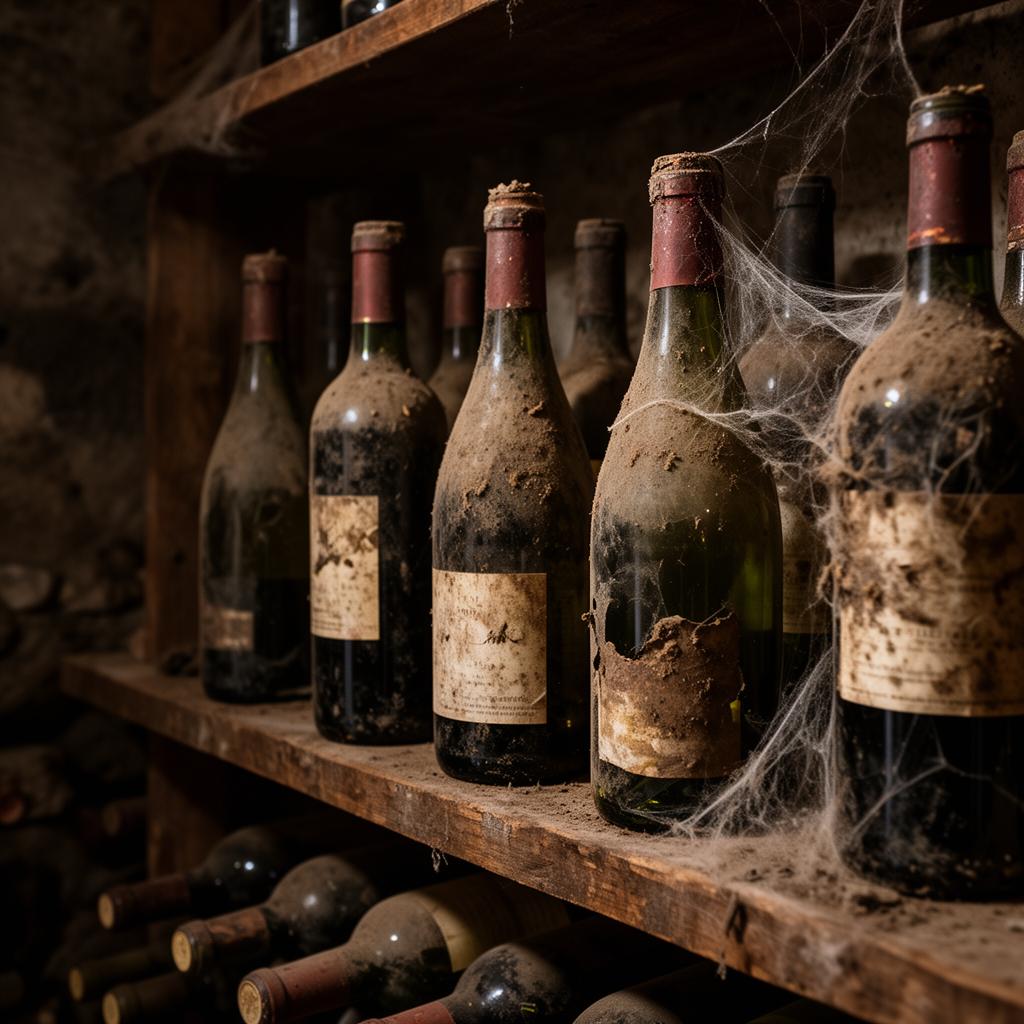
Sleeping cellar stock rarely feels urgent. The bottles are still there, the list still looks complete and no one has visibly thrown money away. Yet every idle reference ties up cash, takes space, complicates purchasing and makes the floor team spend attention on wines that are not earning their place. In a restaurant wine programme, the cost of slow stock is not only the bottle that does not sell. It is the missing opportunity to stock a wine that rotates, protects margin and helps the guest choose faster.
The common mistake is treating sleeping stock as an inventory issue. It is a commercial issue. Counting bottles is necessary, but it does not explain why a wine is not moving. A reference may be slow because no one recommends it, because it sits in the wrong section, because it competes with three similar wines, because its price is no longer aligned with the list, or because the team cannot describe it in one confident sentence.
In brief: this guide explains how restaurants can convert sleeping cellar stock into profitable wine rotation using POS data, CloudRIM, Winerim Core, SAVia, by-the-glass activation and floor recommendations. The goal is not to dump wine, but to decide what to activate, reposition, stop buying or remove.
1. Separate dead stock, slow stock and strategic stock
Not every slow bottle is a problem. Some references are meant to move slowly because they support prestige, tasting menus, high-ticket occasions or a very specific pairing. The risk begins when every slow wine is treated the same way. Removing strategic stock can flatten the list. Keeping references with no role turns the cellar into frozen capital.
Start with classification. Dead stock is a reference with no real sales, no clear job and no credible activation plan. Slow stock has low velocity but can still move if the restaurant changes exposure, glass strategy, pairing, placement or recommendation language. Strategic stock is intentionally slower because it improves perception, ticket value or guest experience. That distinction prevents panic discounting.
2. Connect POS sales with cellar stock
The POS tells you what guests actually buy. Inventory tells you what is still waiting. Rotation appears when both are connected. If a restaurant only looks at sales, it rewards the obvious winners. If it only looks at stock, expensive bottles look like the main threat. The useful view combines days without sale, units on hand, cost tied up, potential margin, position on the list and competing alternatives.
CloudRIM helps collect wine lists, delivery notes, invoices, tariffs and operational data. Winerim Core then compares what the restaurant bought, what it has, what it sells and what needs attention. The conversation changes from taste and memory to evidence: this wine has not sold for 86 days, there are 12 bottles left, it competes with a cheaper option, the margin is healthy and no dish recommendation currently points to it.
3. Decide whether to activate, reposition or remove
An idle bottle does not always need a lower price. Sometimes it needs a reason to be ordered. Activation means giving the wine a commercial path: a highlighted glass, an alternative to a familiar style, a pairing with a profitable dish, a weekend recommendation or better placement in the digital list. Repositioning means changing its role: from hidden regional bottle to discovery option, from cellar reference to glass feature, from obscure wine to smart alternative to an overused appellation.
Removal is also a valid decision. If the wine does not fit the food, has weak margin, is hard to explain and does not match the real guest profile, insisting only extends the problem. The key is to remove it deliberately: sell through the remaining bottles, stop automatic repurchase and record why it should not return.
4. Use by-the-glass as a test channel, not a dumping channel
By-the-glass can accelerate rotation, but it should not become a place to hide mistakes. A slow wine is not automatically a good glass wine. If it is not in good condition, does not pair with the menu or cannot be priced profitably by the glass, it will damage both margin and guest perception.
The glass works when there is intent. Select wines with enough stock, clear margin, a profile the team can explain and dishes that support the recommendation. Calculate the glass price with real waste, define how long the bottle can stay open and write the sentence the team will use. For example: "If you usually like Rioja, this has a similar structure, a fresher finish and works better with tonight's beef dish." That is stock converted into a decision, not a discount.
5. SAVia turns better questions into action
Most restaurants have more data than they use. The missing piece is the question. SAVia can answer operational prompts such as: which references have gone more than 60 days without a sale and still have healthy margin, which slow wines could work by the glass, what alternative to a popular style is already in the cellar, what should not be repurchased, or which bottles can support this week's menu.
That matters commercially because the output is actionable. Instead of asking managers to read another spreadsheet before service, Winerim can surface three wines to recommend this week, two references to test by the glass, one wine to sell through and stop buying, and one to keep because it plays a strategic role. The cellar stops being storage and becomes a rotation system.
6. Train the floor with sentences, not endless wine sheets
Sleeping stock does not move because it exists on the list. It moves because someone knows when and how to propose it. The team does not need a long viticulture lesson for every bottle. It needs short, confident, guest-facing language: "fresher than the classic option", "less oak", "better with richer fish", "same intensity but more elegant", "a good discovery without increasing the ticket too much".
Winerim helps connect data with service language. If a reference has margin, available stock and a clear food fit, the floor team should know which table to offer it to, which dish it supports, what familiar wine it can replace and what price boundary to respect. That is the difference between pushing stock and recommending well.
7. Run activation as a weekly campaign
Do not try to fix the whole cellar at once. Choose five references per week. Define goal, channel, argument and owner. One can become a glass feature, one a floor recommendation, one a menu pairing, one a digital-list repositioning and one a controlled sell-through. At the end of the week, review sales, margin, glasses poured, waste and team feedback.
Rotation improves when the restaurant closes the loop: purchasing, inventory, list, POS, recommendation, margin and replenishment. If an activated wine works, the team learns why. If it does not, the restaurant avoids buying it again. That accumulated learning is more valuable than a one-off discount.
Operational FAQ
When is a wine considered sleeping stock? It depends on the restaurant, but a useful signal combines days without sale, units on hand and lack of a commercial role.
Should we reduce price to move stock? Only if price is the real barrier. Often the issue is visibility, recommendation, list placement or missing food context.
Can by-the-glass clear slow stock? It can activate selected references if quality, margin and service argument are strong. Used carelessly, it damages the programme.
Where does Winerim fit? CloudRIM collects data and documents, Winerim Core connects list, stock, POS and margin, and SAVia turns the diagnosis into clear actions for managers and floor teams.
Continue with the dead stock calculator, by-the-glass diagnostic, guide to connect list, stock, sales and margin, CloudRIM, SAVia, POS integrations and demo.