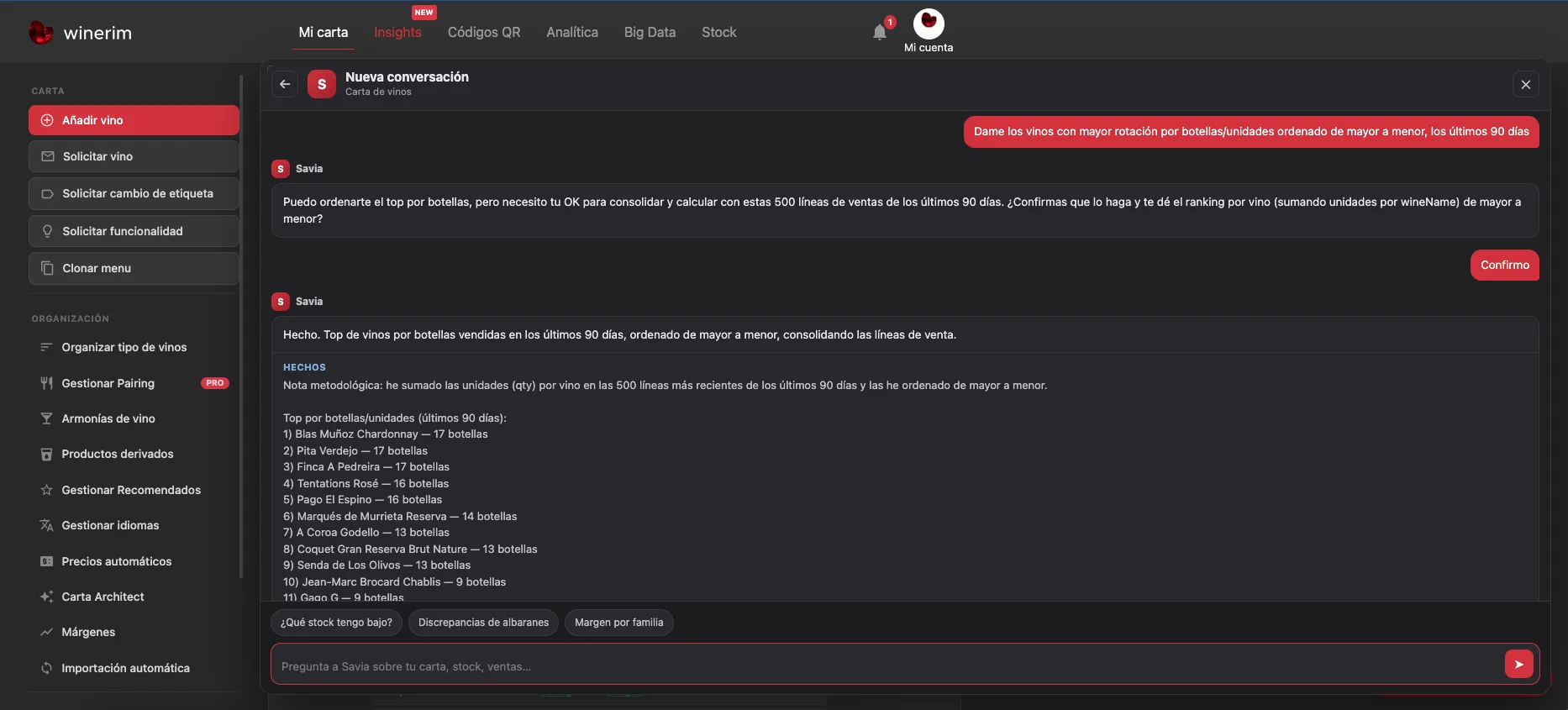
Measure up to thirteen weekly tasks without mixing catalogue, pricing, documents, inventory, purchasing and reporting. Winerim automatically calculates the estimated minutes for each task.
Calculated locally · We do not send this data
Your operation
Time, frequency and responsible role
Enter how long each task takes today and how many times you perform it per week. The minutes with Winerim appear automatically from the estimated automation level of each process.
Operation type
The profile activates typical tasks. You can include or exclude any task without losing entered data.
Current operation0 hweek
Estimated Winerim scenario0 hweek
Recoverable time0 hweek
Additional time0 hweek
Net0 hweek
Formula: Minutes with Winerim = current time × (1 − estimated automation). Hours by task = minutes per occurrence × occurrences per week ÷ 60. Net = current operation − estimated scenario.
Calendar: Average month = week × 52 ÷ 12 = week × 4.33. Year = week × 52.
Source of each figure
Entered by youCalculated from your dataWinerim baseline estimate, visible and not guaranteedFictional example when loaded
Winerim minutes use an automation estimate for each task. They are not measured customer results or a guarantee. Sales, margin and commercial improvement are separate data and are not added here.
Minutes with WinerimCalculated after entering current time
Weekly netNo data
Minutes with WinerimCalculated after entering current time
Weekly netNo data
Minutes with WinerimCalculated after entering current time
Weekly netNo data
Minutes with WinerimCalculated after entering current time
Weekly netNo data
Minutes with WinerimCalculated after entering current time
Weekly netNo data
Minutes with WinerimCalculated after entering current time
Weekly netNo data
Minutes with WinerimCalculated after entering current time
Weekly netNo data
Minutes with WinerimCalculated after entering current time
Weekly netNo data
Minutes with WinerimCalculated after entering current time
Weekly netNo data
Minutes with WinerimCalculated after entering current time
Weekly netNo data
Minutes with WinerimCalculated after entering current time
Weekly netNo data
Minutes with WinerimCalculated after entering current time
Weekly netNo data
Minutes with WinerimCalculated after entering current time
Weekly netNo data
Next step
The 3 highest-impact automations
Complete at least one task to get a result and priorities based on your own data.
POS data can create time and information, but each benefit needs its own measure
Winerim can compare list, document, stock, sales and purchasing data when sources are connected and validated. This calculator only measures time and its value; it does not attribute sales or margin.